Get the month’s GST report and the GSTR-1 file
InBilling does not file your returns — you or your accountant do. What it prepares is the month, checked: a GST report with the figures split the way GSTR-3B asks for them, a GSTR-1 file in the government offline tool’s own format, and an Excel workbook your accountant can read.
Where to click
- Open the GST report under reports and pick the month.
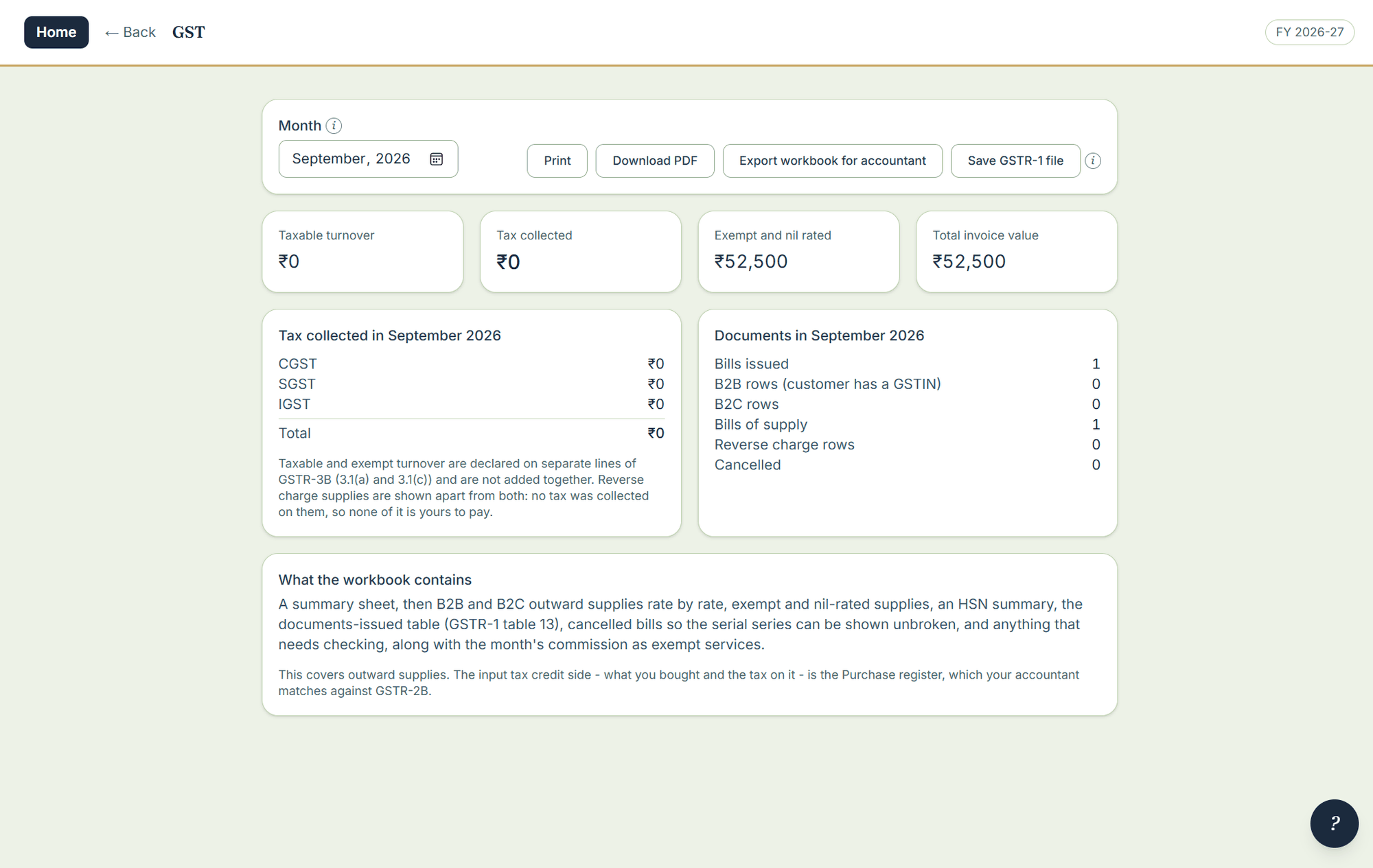
- Read the report: taxable turnover, the tax collected split into CGST, SGST and IGST, the exempt and nil-rated line kept separate, and the document counts GSTR-1 asks for — issued, B2B, B2C, bills of supply, cancelled, and any excluded because they predate registration.
- Fix anything it names. The report lists each bill that will cause trouble and says why: a GSTIN checksum that fails, a state that contradicts the GSTIN, a missing place of supply on an inter-state bill.
- Write the GSTR-1 file — JSON in the government offline tool’s own format, from the same figures behind the report — and the workbook for your accountant.
What is in the GSTR-1 file
B2B with reverse charge marked, B2CL and B2CS, exports with the shipping bill, credit and debit notes, the HSN summary with unit codes, nil-rated, and document issue. Empty tables are left out. The workbook has a summary sheet, outward supplies by rate, exempt and nil-rated, the HSN summary, and the documents issued — with cancelled bills kept on the series so no number appears to have gone missing.
Note. The GST report, the GSTR-1 file, the e-invoice document and the e-way file have been checked over 15,000 computer-generated months against a second independent implementation — but no filed month has yet been signed off by a chartered accountant from InBilling’s own output. Run your first month alongside us; say so when you call.