What do you want to do?
The bill is cut off at the right edge, or prints on the wrong paper
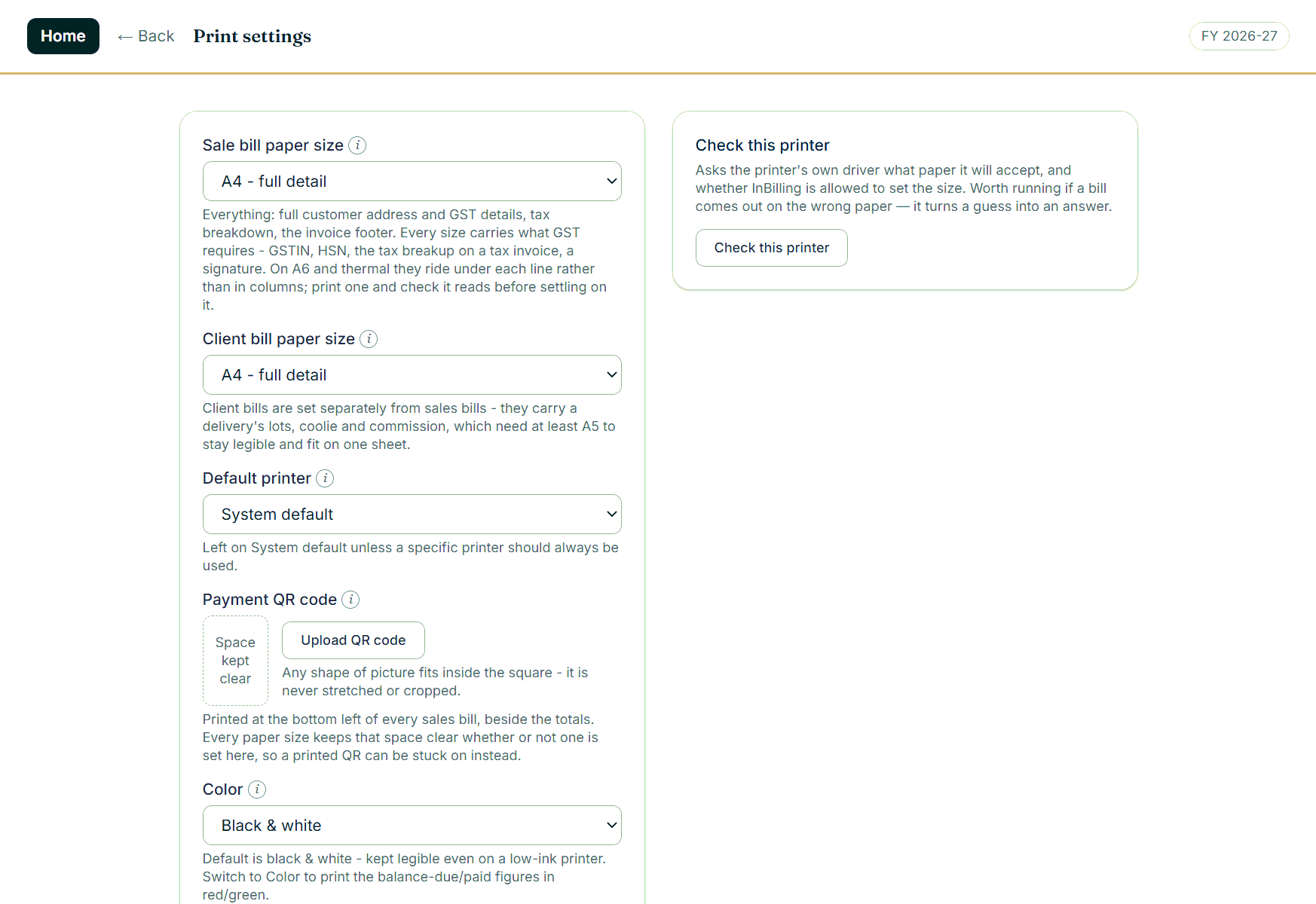
Printing is where billing software usually disappoints, so InBilling prints the same on A4, A5, A6 and thermal — on A6 the GSTIN, HSN and tax ride under each line instead of in columns so nothing is lost. If a printer still cuts the bill off, the fix is in print settings.
Where to click
- Open Settings › Print settings.
- Turn on Print through Windows directly, then print one bill. That path asks the driver for the paper by the driver’s own code, measures the part of the sheet the printer can actually reach, and fits the bill inside it.
- If it is still wrong, press Check this printer, then Copy this report, and send us the text — it tells us exactly what your driver is claiming.
Good to know
- Paper size and a default printer per document are set on the same screen.
- Bank details, a UPI QR code or a thank-you note in the bill footer are set once, in the business profile.
- Print straight to the default printer, or save a PDF, from the bill screen itself.