What do you want to do?
Take a backup, and keep it somewhere else
The whole financial record of the business sits in one file on one machine. A backup on the same computer is no help at all when that computer is stolen, drowned or simply stops — so the backup goes on a pen drive or a second disk, and the pen drive goes home with you.
Where to click
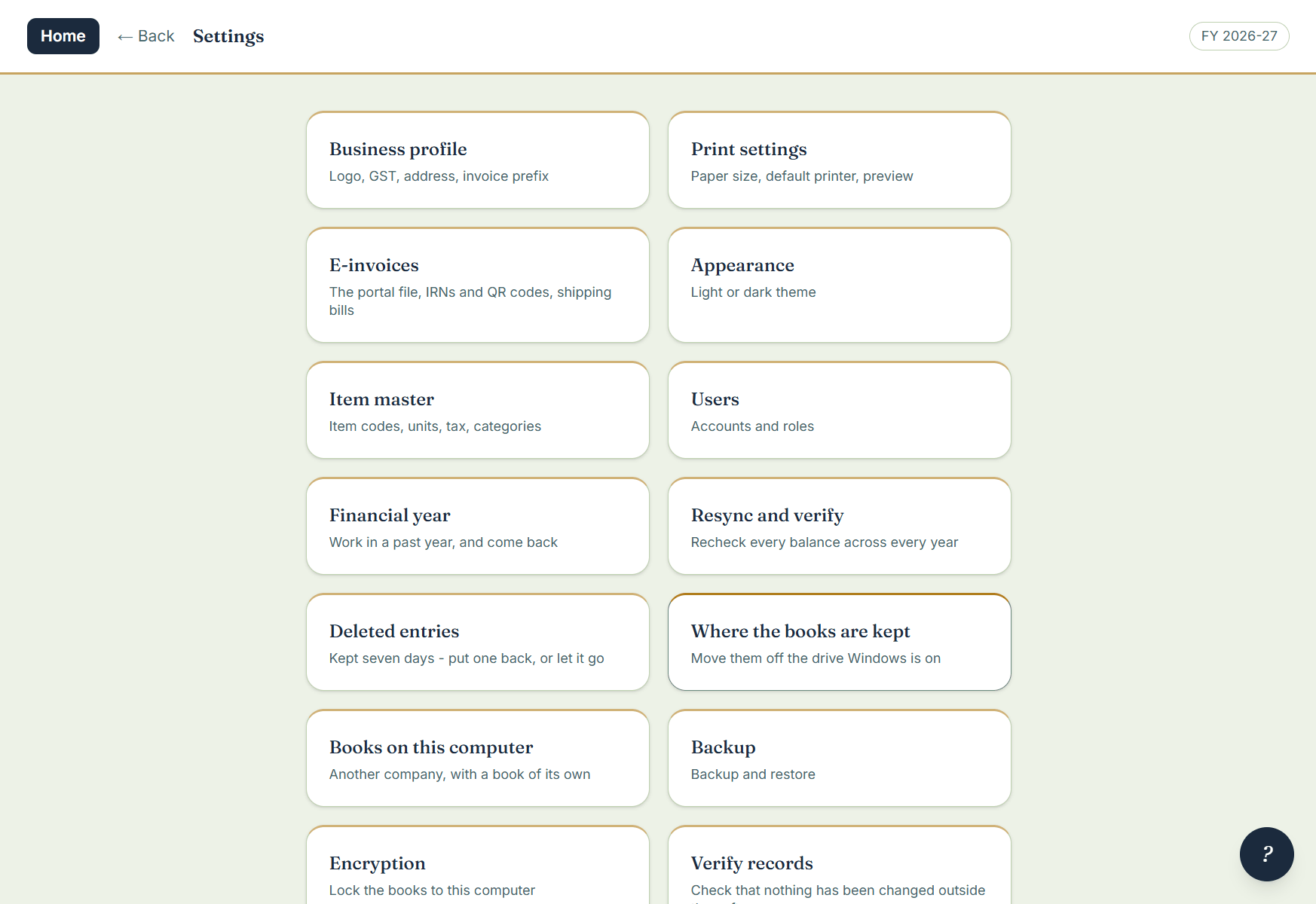
- Open Settings › Backup.
- Choose the folder — a pen drive or a second disk is the point — how often to back up, and how many backups to keep.
- Press Backup now for one right away. Take the pen drive home.
Good to know
- Scheduled backups run on their own. A backup that falls due while the machine is off is taken the next time it opens.
- Older automatic backups are removed so the folder cannot fill the drive; the ones you take yourself are never touched.
- Every backup records the version it was made with, so a restore on a newer build migrates cleanly.
- The trial takes backups exactly as the licensed program does, and keeps them; restoring is part of the licensed software, and the backups you took on the trial restore the moment the book is licensed.
- Do not put the books themselves on a pen drive — one pulled out mid-sale can damage the file. Pen drives are for backups. If the computer has a second disk, move the books there with Settings › Where the books are kept; it copies, verifies the copy byte for byte, then switches over, and the old copy stays until you remove it.