What do you want to do?
Record a client payment and read the client ledger
Buyers pay you and you pay growers — two separate ledgers, each by financial year, each with its own receipts and its own ageing. A client payment is what you paid a grower against his pattis.
Where to click
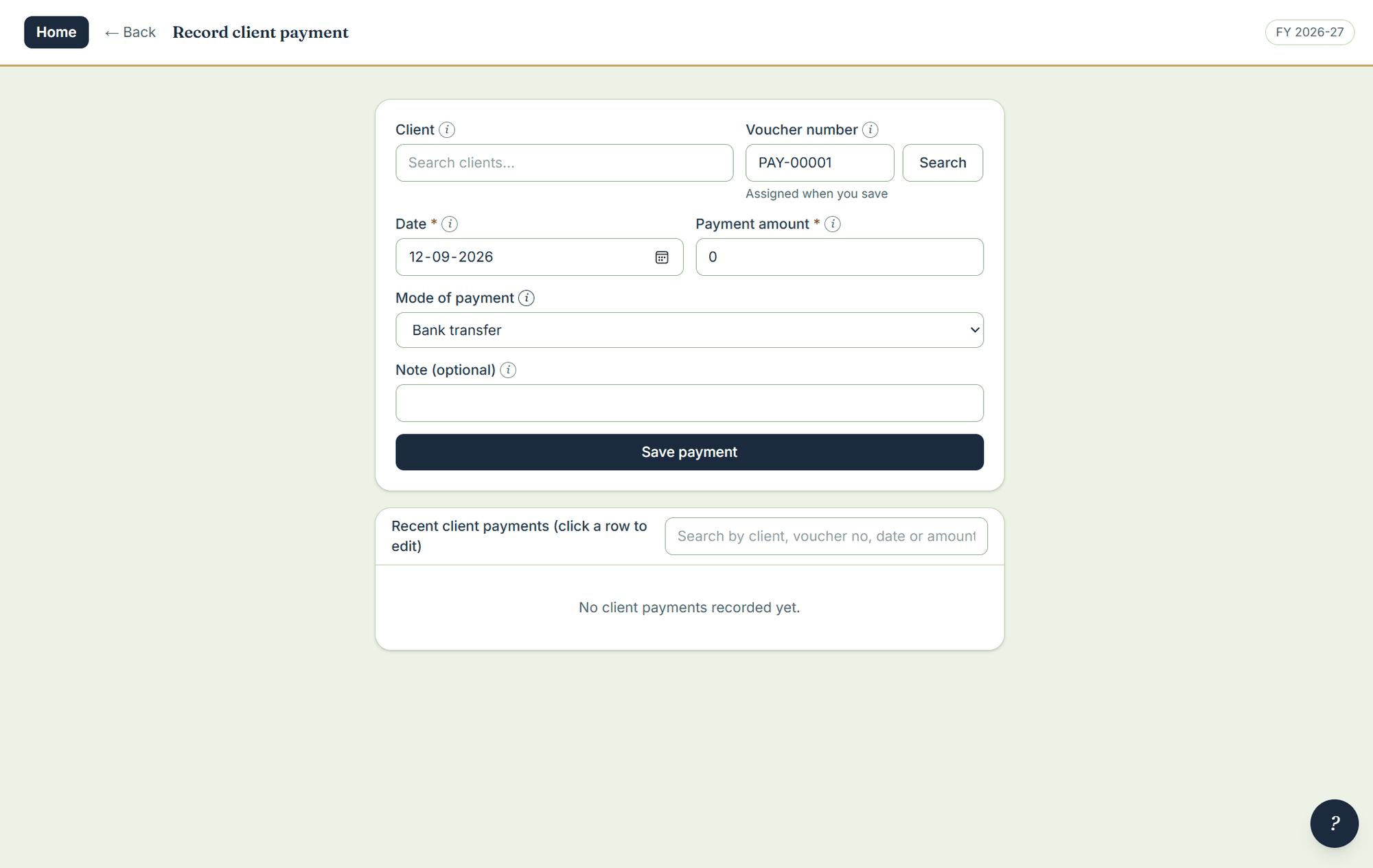
- Open Client payment under data entry.
- Pick the client, the date and the amount; choose cash, UPI, bank transfer or cheque. It gets a receipt number, and the receipt can be printed.
- Save. Recent client payments are listed under the form, newest first — click a row to correct one.
The client ledger
Every client carries a ledger by financial year: what his loads made, what was deducted, what has been paid to him and what is still owed. Ageing works on the client side too — who is waiting, and how long. The commission account shows what you actually earned across the period.