What do you want to do?
Verify records, and the changes log
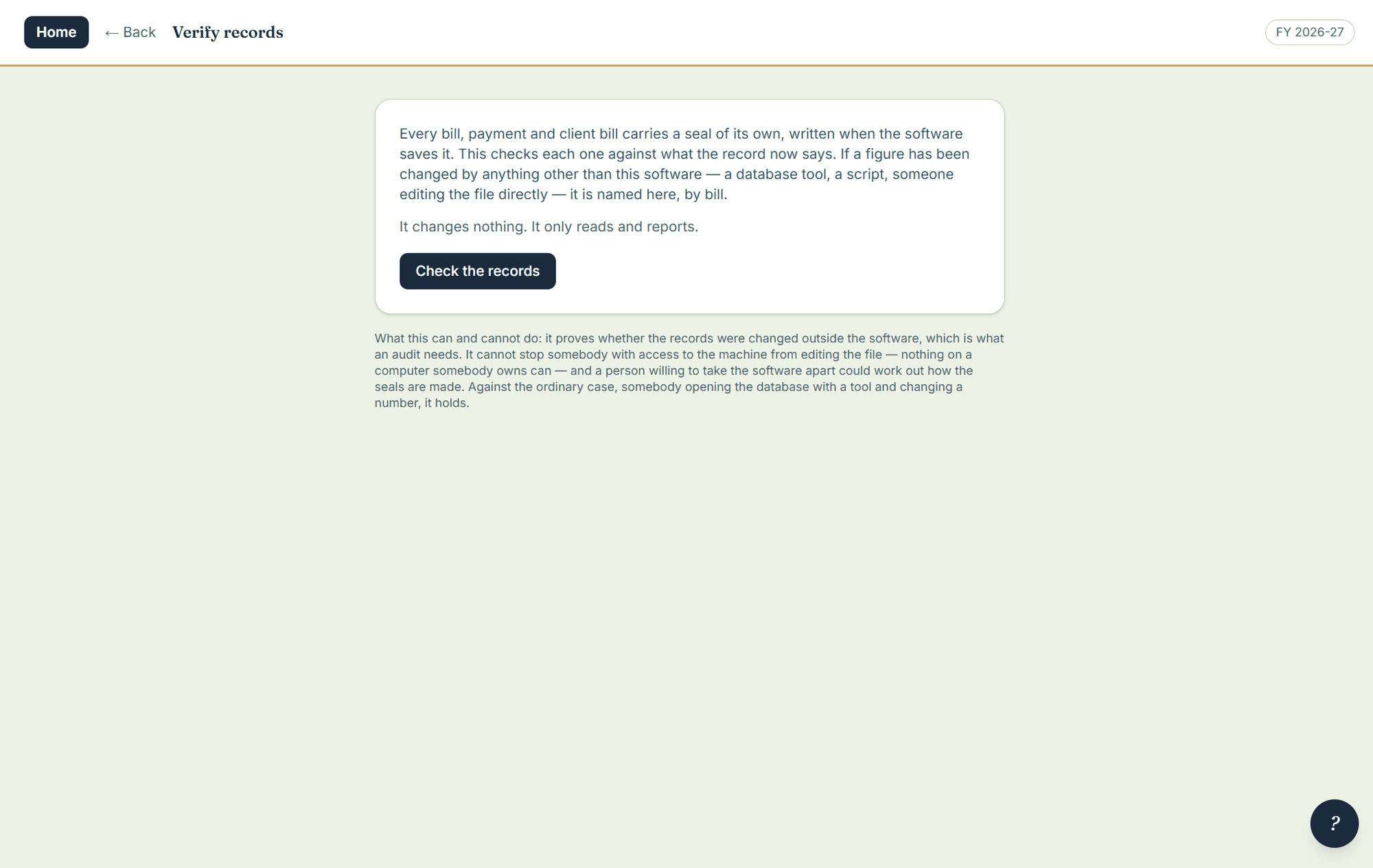
A seal is written when a bill, a payment or a patti is saved. Verify records reads every one back and checks it against what the record now says, and names anything that has been changed by something other than this software — a database tool, a script, somebody editing the file directly.
Where to click
- Open Settings › Verify records and run it. It changes nothing; it only reads and reports.
- To see who edited or deleted an issued document, open Settings › Changes log: who, when, why, and the record before and after.
- To put back something deleted by mistake, open Settings › Deleted entries — kept for seven days, then let go on their own.