E-invoices and e-way bills, without a gateway subscription
E-invoicing applies once aggregate turnover crosses ₹5 crore in any year since 2017-18, and an e-way bill is needed for a consignment of ₹50,000 and over. InBilling takes the free route: it writes the government’s own bulk-upload files, you upload them on the portal yourself, and it reads the portal’s answer back in. No GSP, no API fee, and nothing that expires with a contract.
Where to click
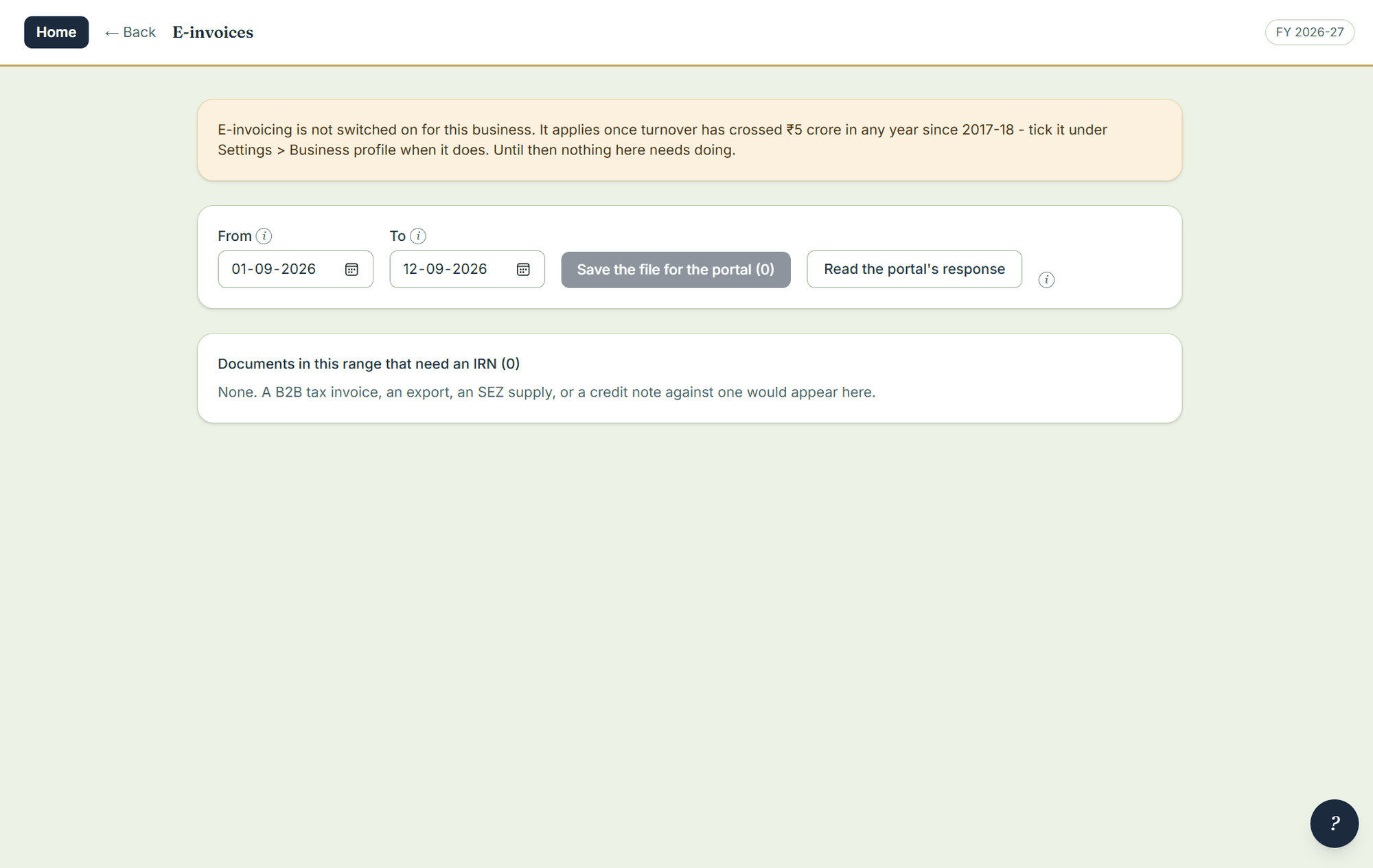
- Open Settings › E-invoices. It lists the documents in a date range that need an IRN, and tells you in plain words what is missing on any that are not ready.
- Write the portal file.
- Upload it on the Invoice Registration Portal, and save the response file the portal gives you.
- Read the response back in. The IRN and the signed QR code are then printed on the invoice, matched to the right bill by the QR’s own document number and date.
- For a consignment of ₹50,000 and over, write the e-way bill file the same way — by road, rail, air or ship — and read the number and validity back; they print under the IRN line.
Exports
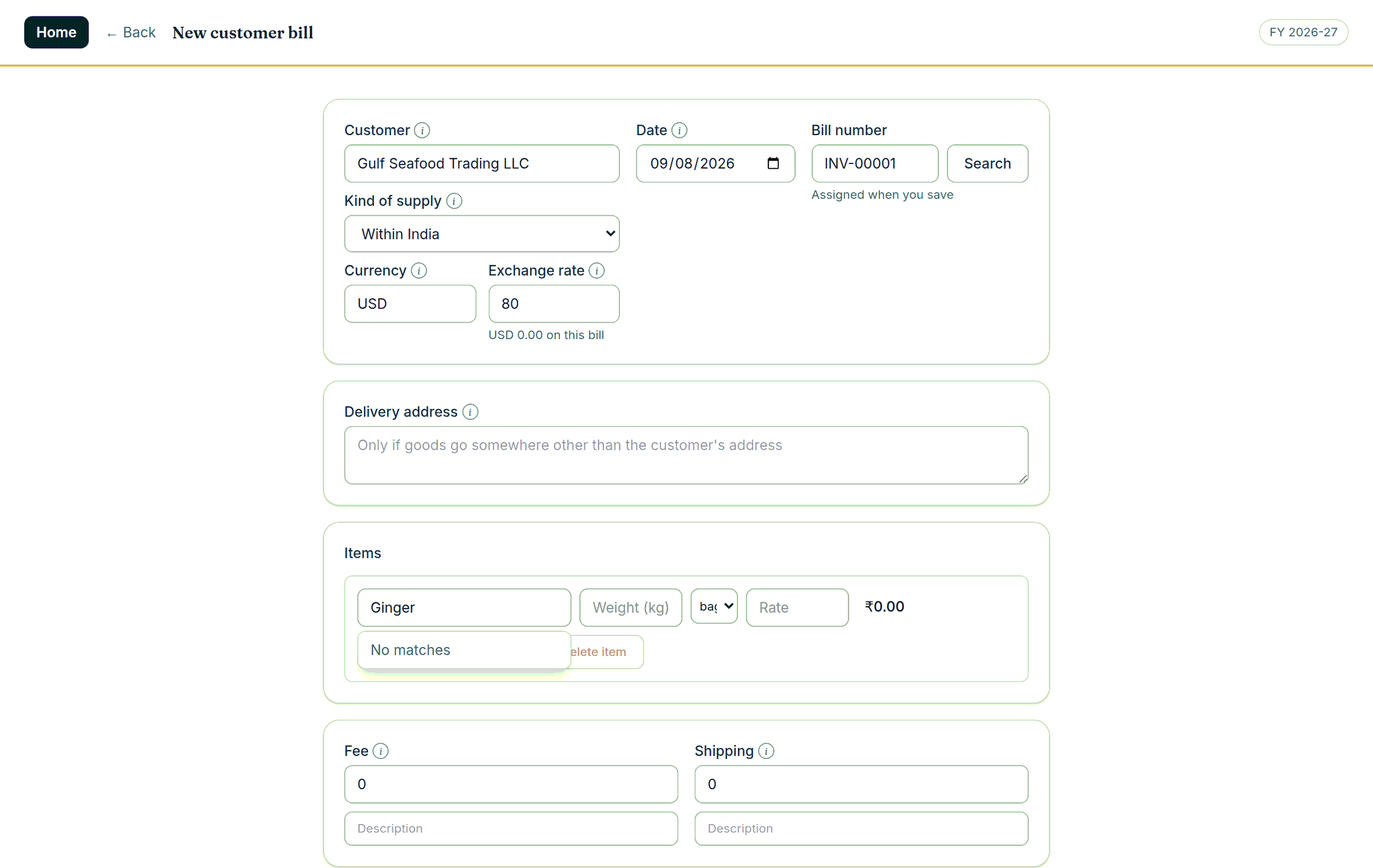
Pick the kind of supply on the bill — export under LUT without IGST, export with IGST paid, supply to an SEZ, deemed export — and everything follows: the Rule 46 endorsement printed verbatim, the buyer’s country in place of a GSTIN, your IEC and LUT particulars, the foreign currency with its exchange rate and the rupee value beside it. Shipping bill number, date and port code are entered afterwards for GSTR-1 Table 6A.
Note. Above ₹10 crore the portal enforces a 30-day reporting window — the readiness list on the e-invoices screen is what keeps you inside it. The e-invoice and e-way files have not yet been put through the government portal with a real GSTIN; if you need them, tell us when you call and we will run your first month with you.