What do you want to do?
Enter a load — the inward entry
The lorry comes in and the load goes in as an inward entry, with an inward number of its own. Everything sold off it later, and the grower’s patti at the end, is joined to this entry underneath.
Where to click
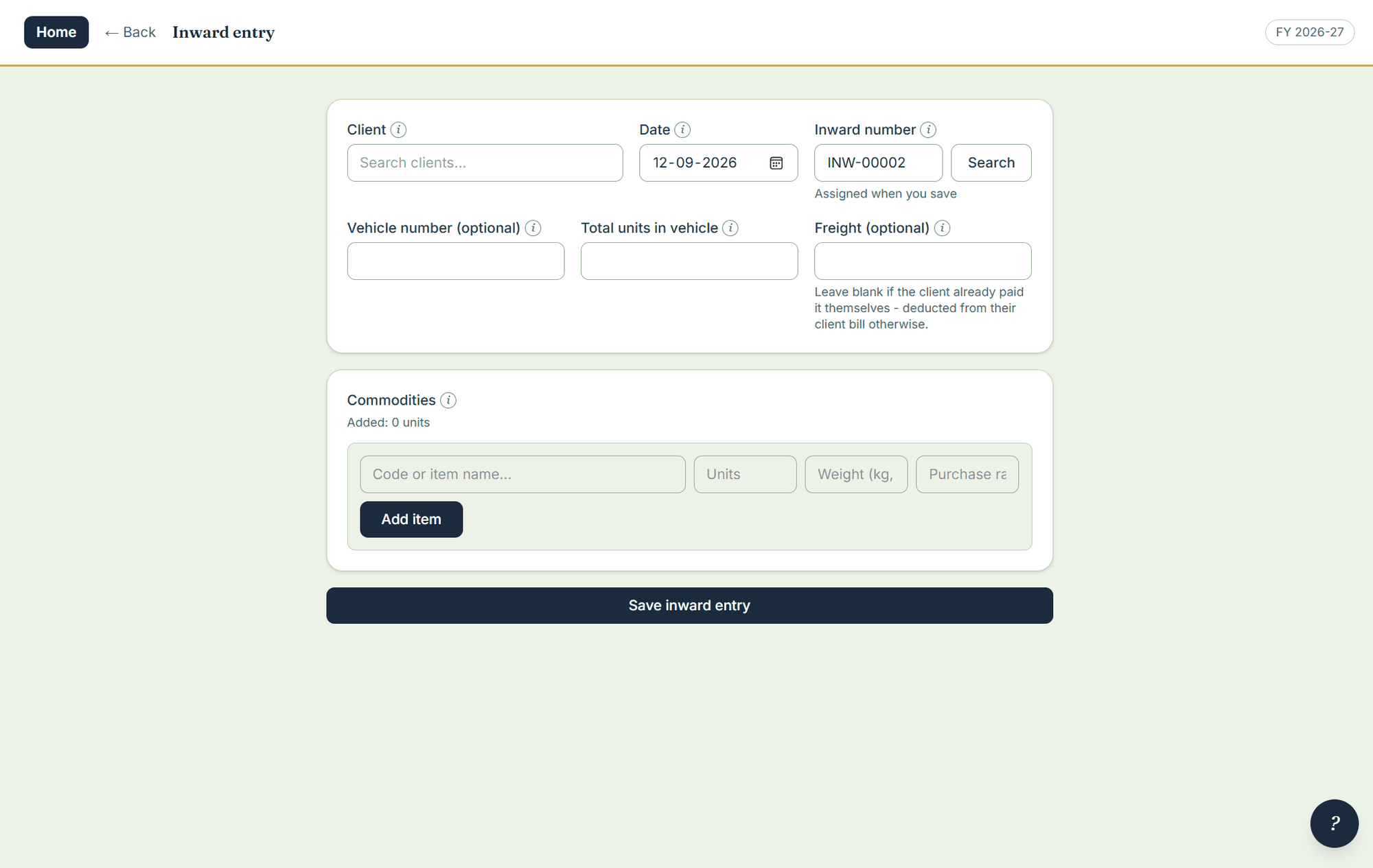
- Open Inward entry under data entry.
- Pick the client — the grower whose produce this is — and the date.
- Enter the vehicle number and the total units in the vehicle.
- Enter the freight if you paid it — it is deducted on the grower’s patti. Leave it blank if the grower paid it himself.
- Add the commodities with their quantities and purchase rates. Save.
The arrivals register
The arrivals register lists every load by date — number, client, vehicle, commodities, what came in, what has been sold off it, what is unsold, the weight and the freight, and whether that freight has been billed. Filter to unsold only. Click any row to open and correct the entry. It answers “what is left of Shivakumar’s load?” without opening a single bill.