What do you want to do?
Add a customer and set an opening balance
A customer is created once and then carries a ledger by financial year. If you are moving onto InBilling mid-year, or an old figure turns out to be wrong, the opening balance is the one figure the software has to be told — everything after it is worked out from the entries.
Where to click
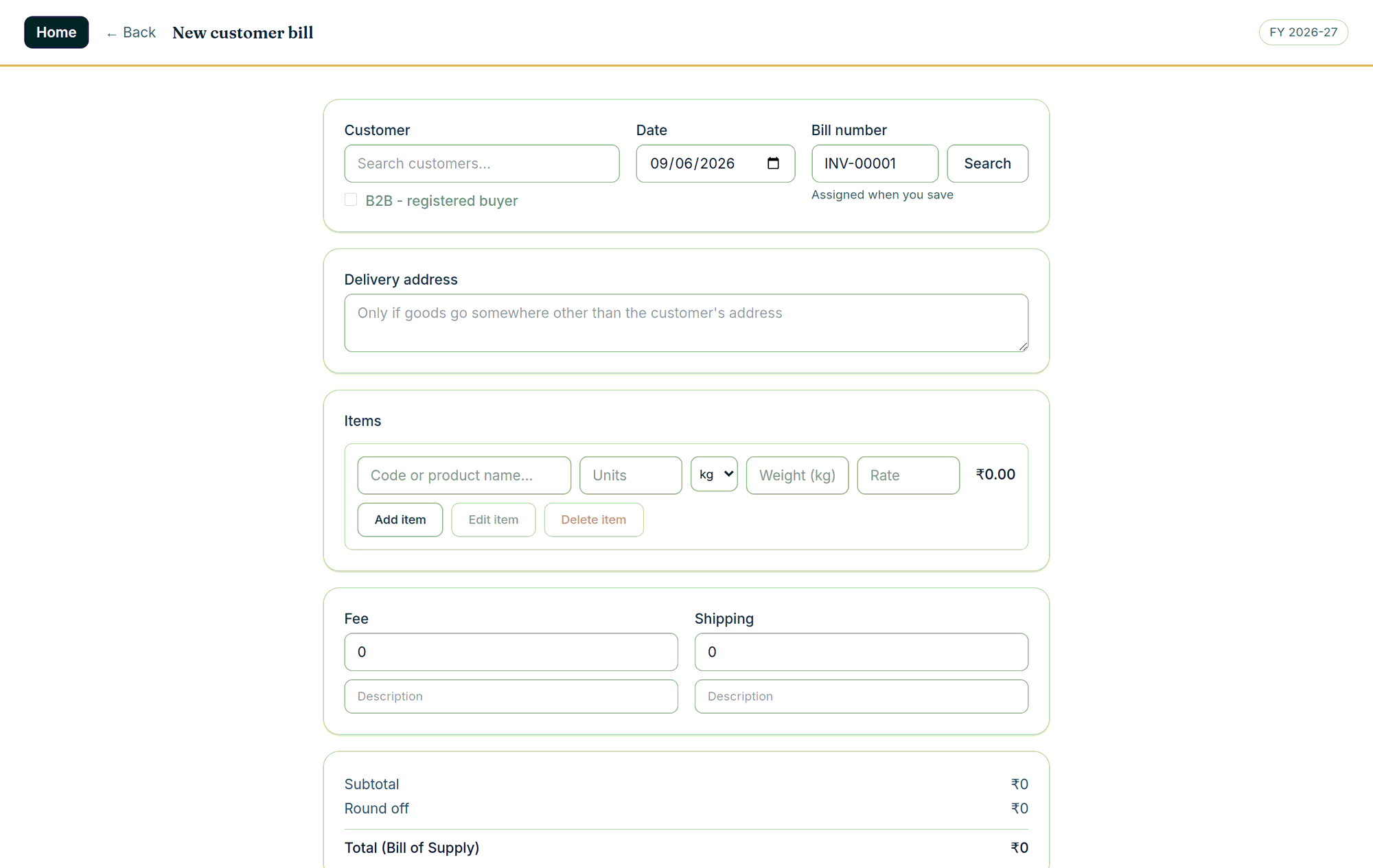
- Open Data entry › Customers and add the customer. A new customer can also be added from the bill screen while you are billing.
- To bring in many customers at once, use Data entry › Customers › Import and give it a CSV — the same works for items under Data entry › Items › Import.
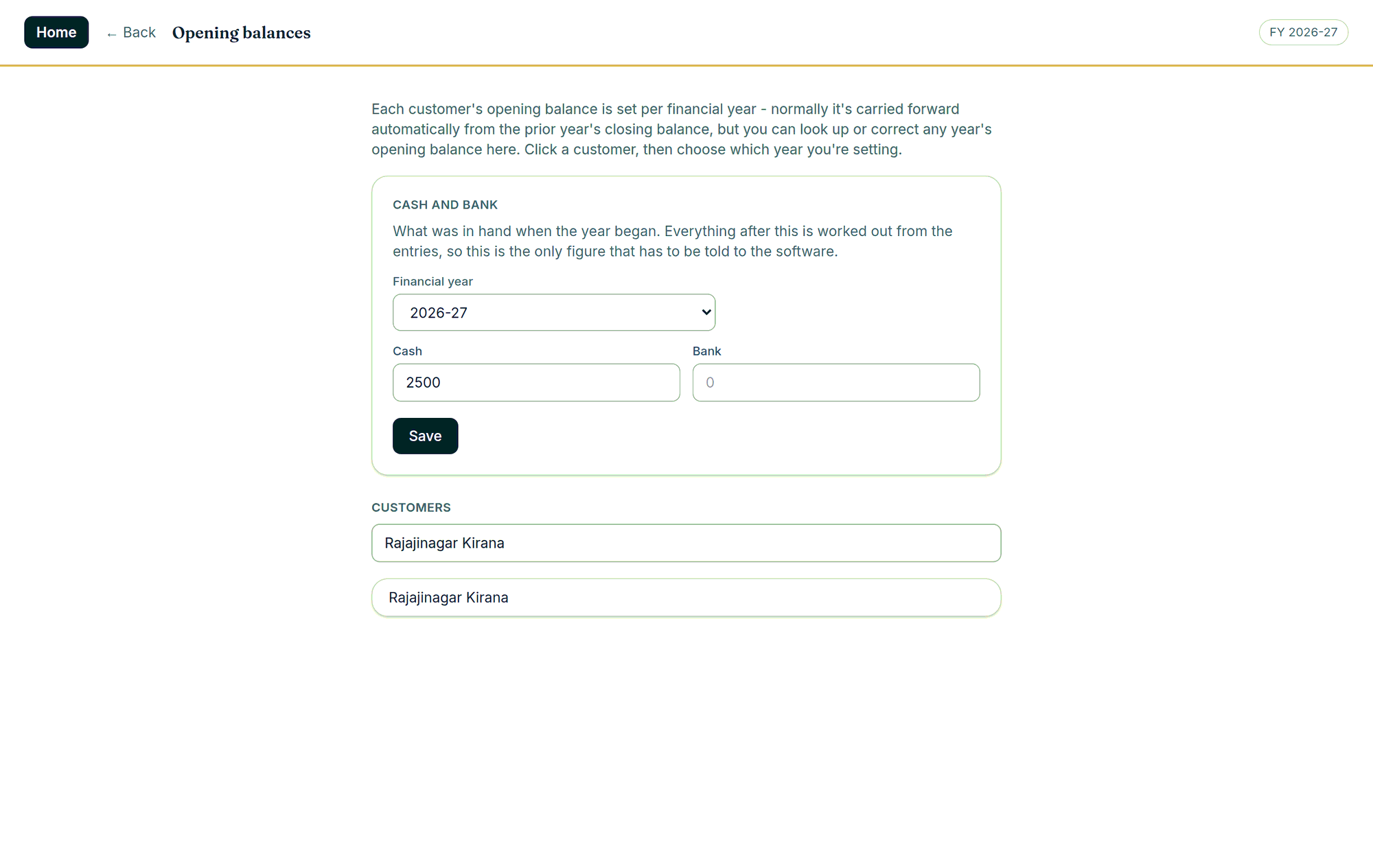
- For what the customer owed you when the year began, open Opening balances: it is per customer and per financial year, with what is currently saved shown beside it.
- Set what was in the drawer and in the bank when the year began on the same screen — cash and bank included.
Good to know
- Balances normally carry forward on their own at the year rollover; opening balances are only for a mid-year start or a correction.
- Nothing with history is ever hard-deleted — a customer is only deactivated, so old bills keep their reference.
- Ring us before you start a bulk import and we will tell you the order to do it in.