What do you want to do?
Print a customer’s ledger statement
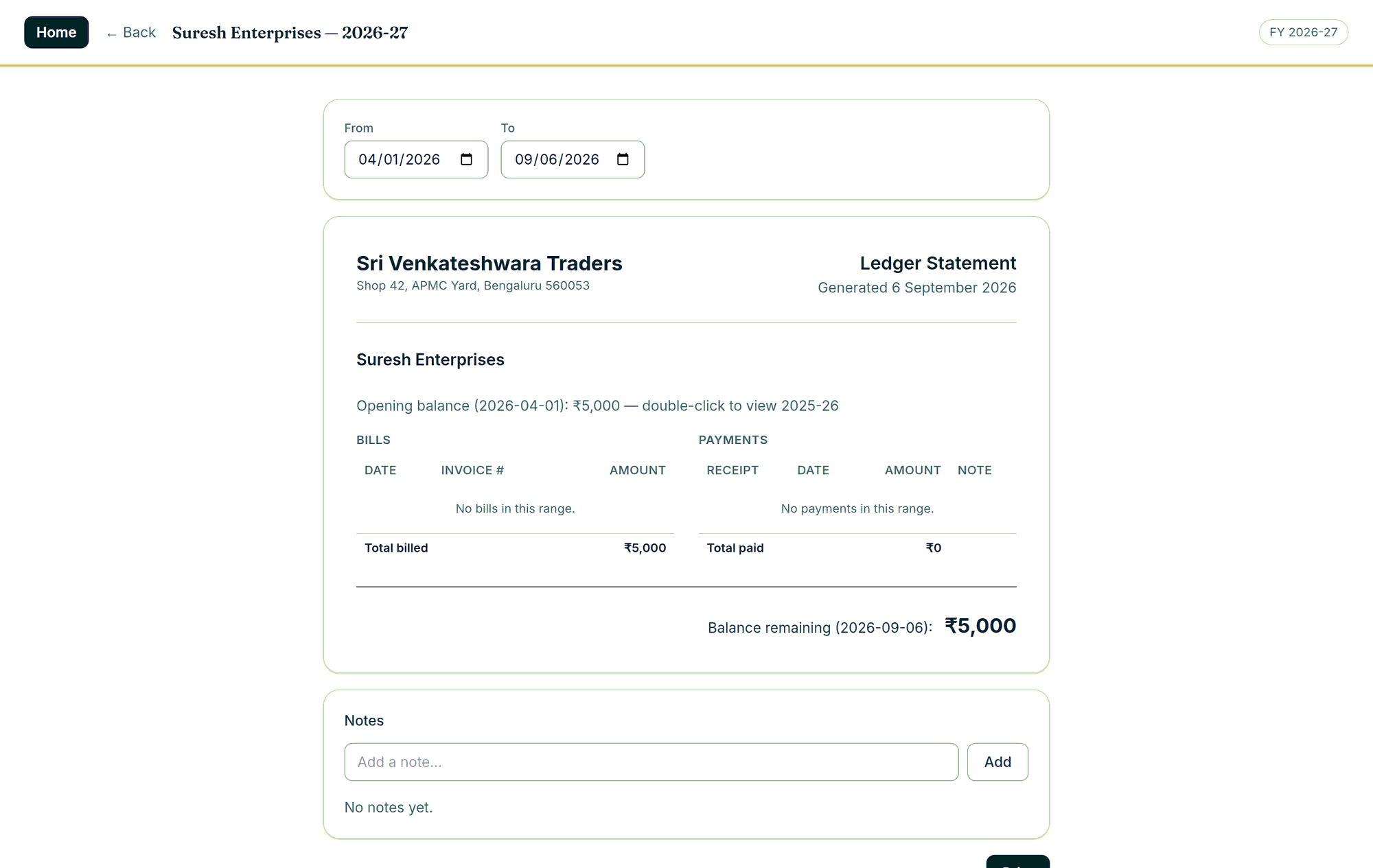
Every customer carries a ledger by financial year, and the years are linked so that a correction in one is carried forward into all of them. The statement is the thing you hand to the customer: opening balance as at the start of your range, every bill and every payment in it, the running balance, the notes you added, and the closing figure.
Where to click
- Open the customer’s ledger (a business not billing under GST finds the ledgers under Printing).
- Choose the date range.
- Print it, or save it as a PDF, from the same screen.
Good to know
- Credit balances are shown as credit, not as a negative number.
- Notes carry the author’s name and date, for what was promised and when.
- Double-click the opening balance to open the archived year behind it.
- The whole customer list can be printed by balance, by ageing, or by who is still active — and the ageing report shows who owes and has not traded with you for ninety days.