Where every report is, and what each one shows
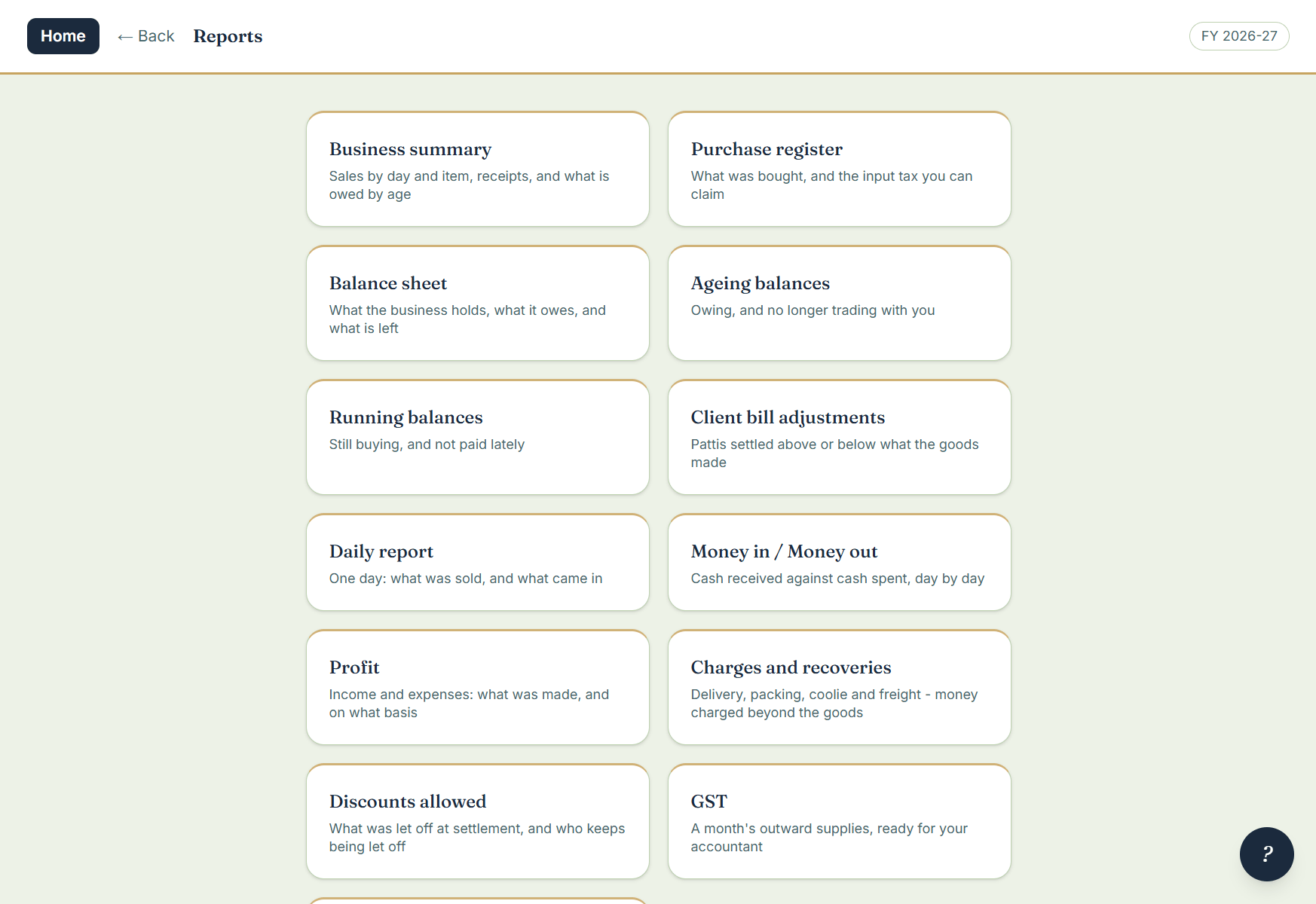
Fourteen reports, all under Accounts › Reports. Every one takes a date range, prints, and exports to Excel. Reports a business does not need are not shown to it — a mandi without GST billing never sees the balance sheet or the GST report at all.
What was sold
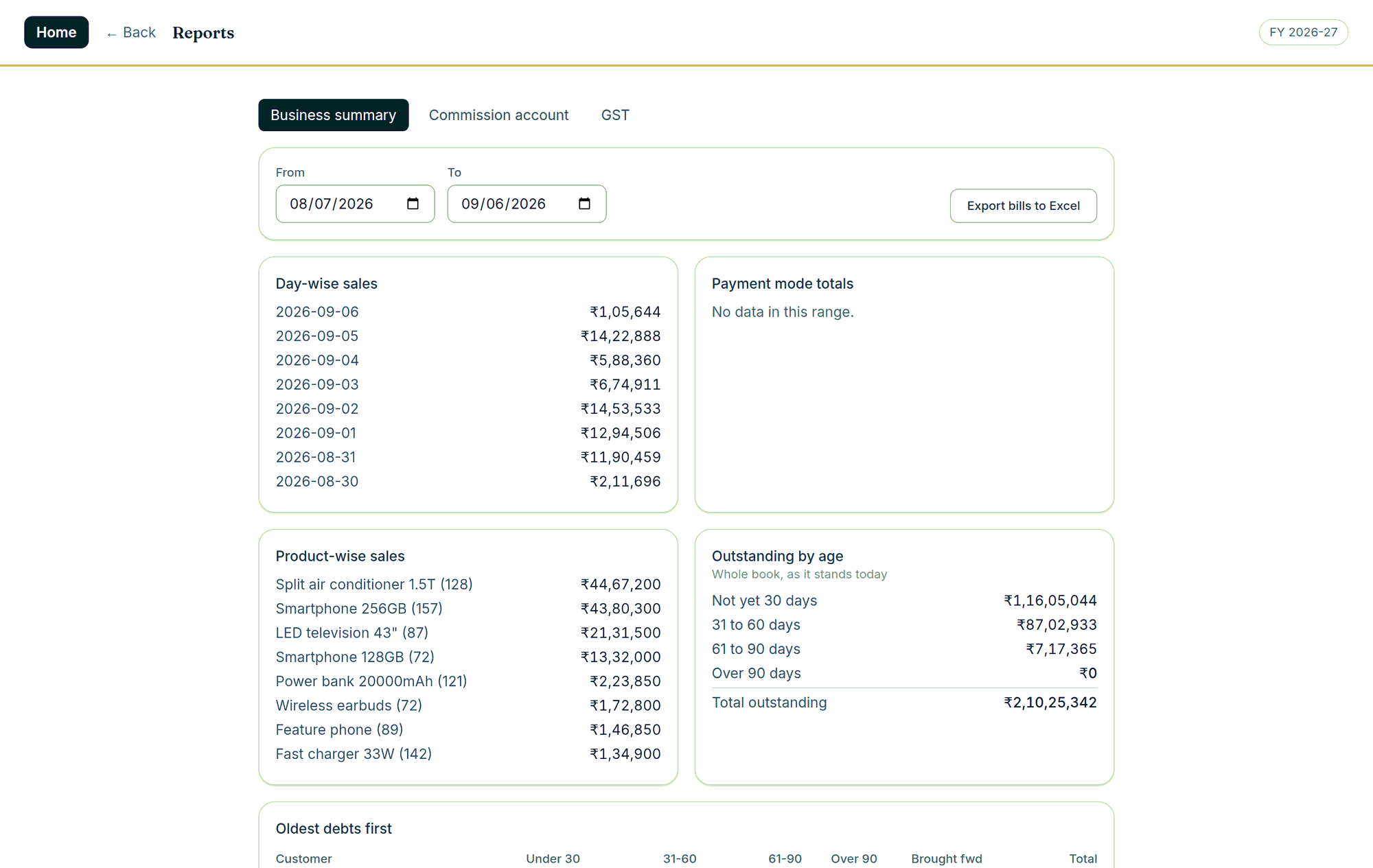
Business summary; daily report (one day: what was sold and what came in); sales by day, by item and by category — with the quantity in the unit the line was actually priced in.
What is owed
Ageing balances, running balances, outstanding by age, and the customers who have stopped trading with you but have not paid.
What it made
Profit on the trading basis or the commission basis (a commission agent’s report opens on the commission basis); money in against money out; charges and recoveries; discounts allowed; balance sheet; stock on hand. For a GST-registered business the GST report and the purchase register are here too.
Two everyday ones
- One day: Accounts › Reports › Daily report.
- Reprint a bill from last month: Accounts › Sale bills — pick the date range, tick the bills, and view or print them as a batch.